 GoMapped
YOUR WORKSPACE, CONNECTED
Less searching.
More doing.
Your everyday files, folders and links.
One memorable code away.
Stop retracing folder paths. Give the places you use a code, type it in GoMapped, and go straight there.
For Windows · Available on Microsoft Store
MAKE EVERYDAY WORK FLOW
Familiar places.
A faster way there.
From one essential file to a whole project collection, build shortcuts around the way you work.
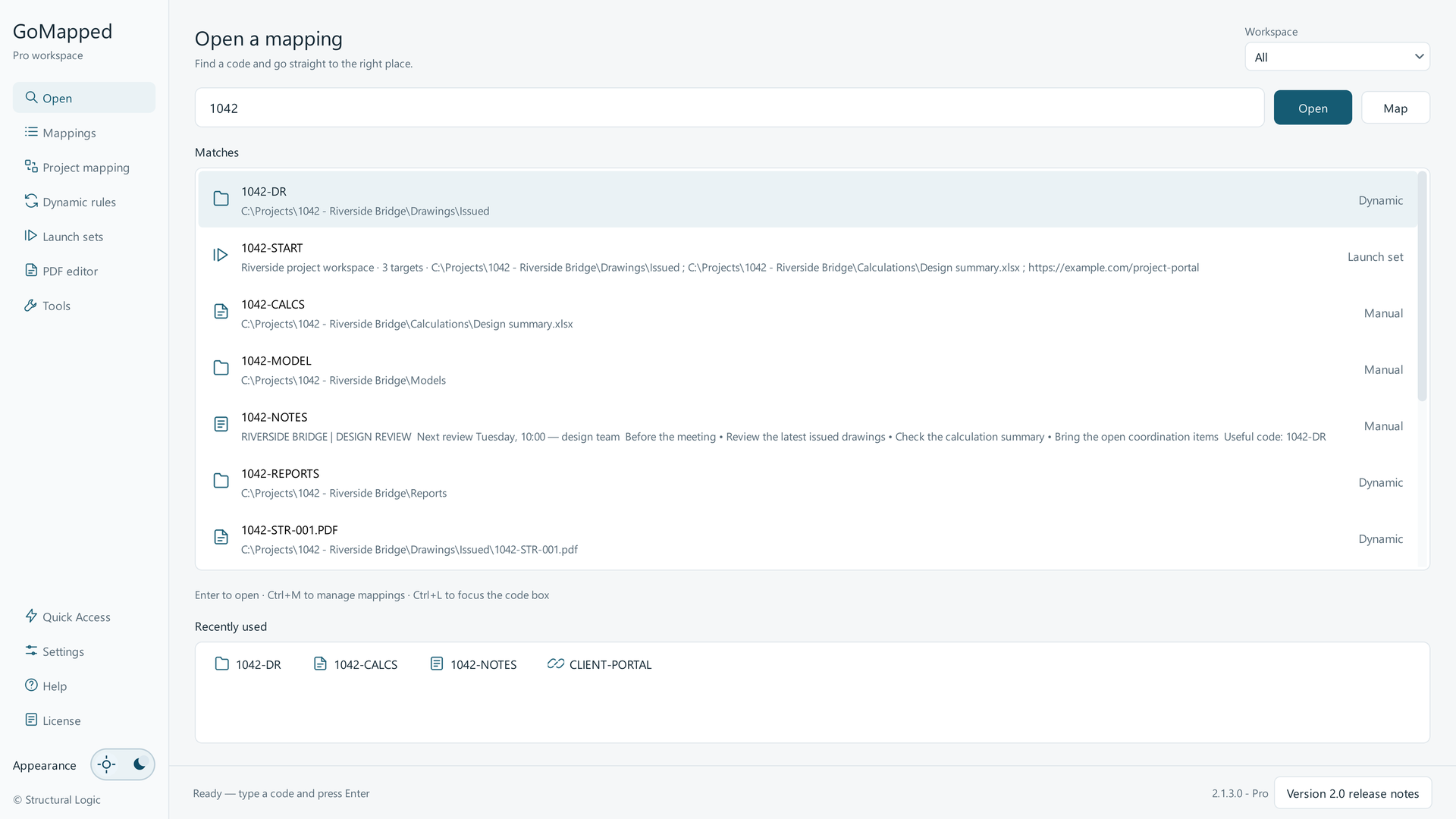
Type a memorable code, choose a match and open your destination.
STAY IN YOUR FLOW
Your shortcuts.
Within reach.
While GoMapped is running, open Quick Access from another application. Find a code, choose your destination and carry on.
The default Quick Access shortcut
SEE IT. TRY IT. MAKE IT YOURS.
A little setup.
A useful everyday habit.
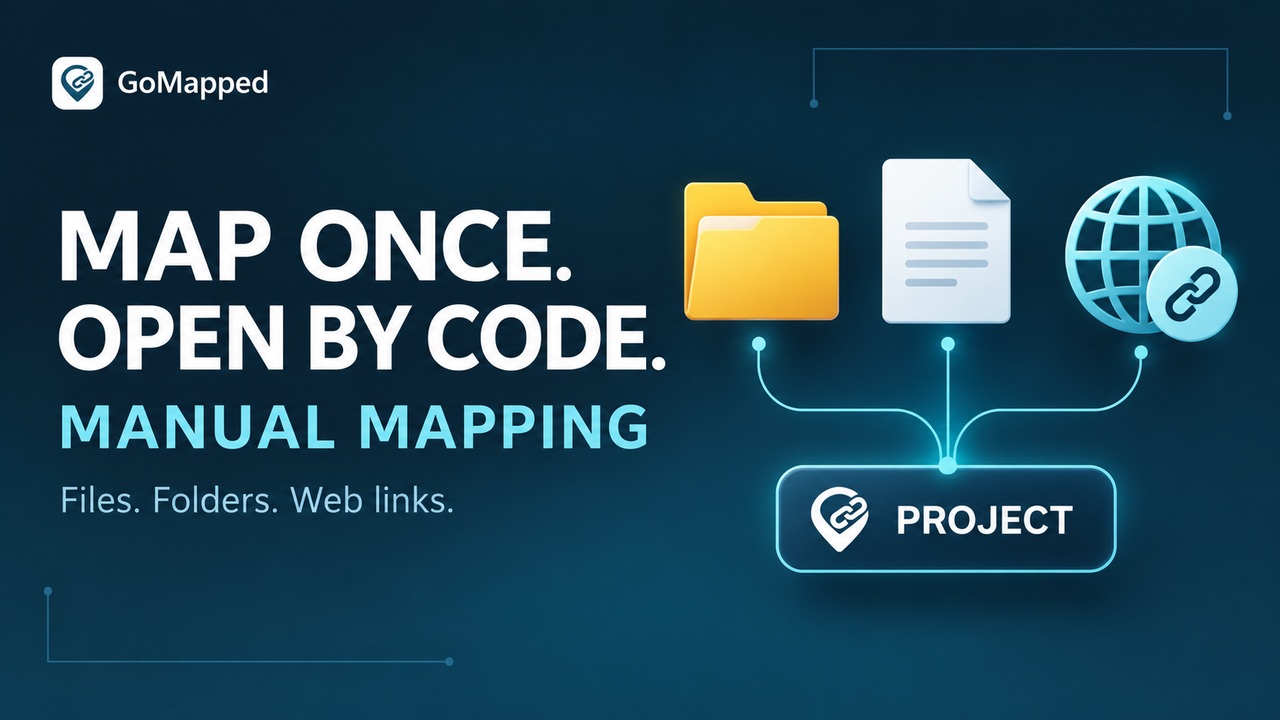
Follow the video guides and turn your first shortcut into a workspace that works for you.

A FEW THINGS TO KNOW
Before you
get started.
What does GoMapped do?
GoMapped lets you open files, folders, web links and stored notes with short, memorable codes. Workspaces group related mappings, dynamic rules generate shortcuts from saved setups, and launch sets open several destinations with one code.
Will it move or reorganise my files?
No. GoMapped stores shortcuts to your destinations. Mapping and scanning do not move, rename or delete your files or folders.
How do dynamic mappings stay up to date?
Save a setup for your files or project folders, then refresh it to pick up new matches. You can also refresh on startup. Dynamic mapping uses refreshes rather than continuous file watching.
Where can I download it and check the price?
The download buttons on this website open the GoMapped Pro listing on Microsoft Store. Check the listing for current pricing, availability and system requirements. View GoMapped Pro on Microsoft Store ↗
YOUR NEXT SHORTCUT STARTS HERE
Stop retracing paths.
Start going straight there.
Bring your everyday essentials together with GoMapped for Windows.
Get GoMapped Pro on Microsoft Store